
Nature
Koi Pond, Autumn Valley, Aurora Tundra, Lavender Fields, Fern Forest
DUOWALL · iPhone Duo
The wallpaper app for iPhone Duo. Open a duo, see it on the cover and on the inner display, then save the pair to Photos.
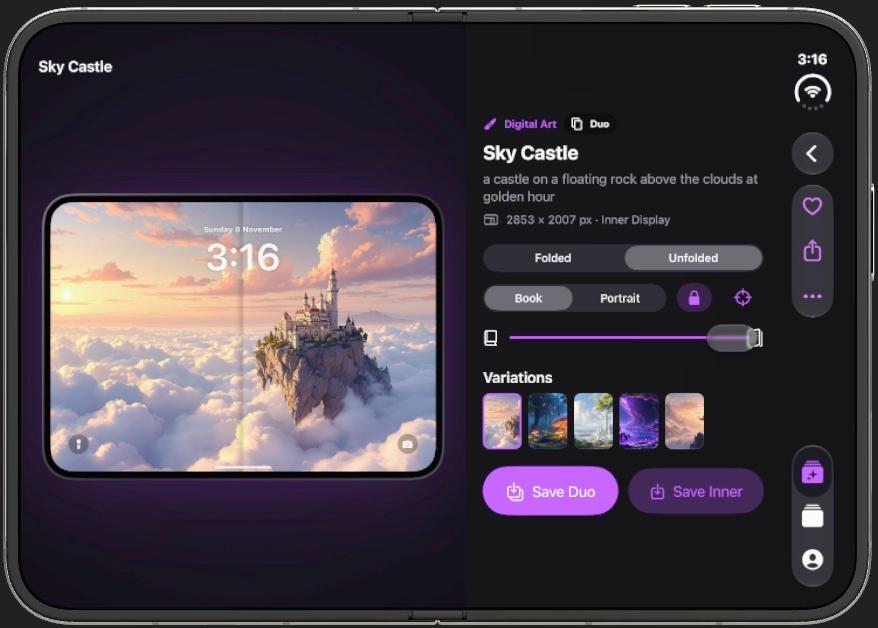
Unfolded · the inner display
01 — Discover
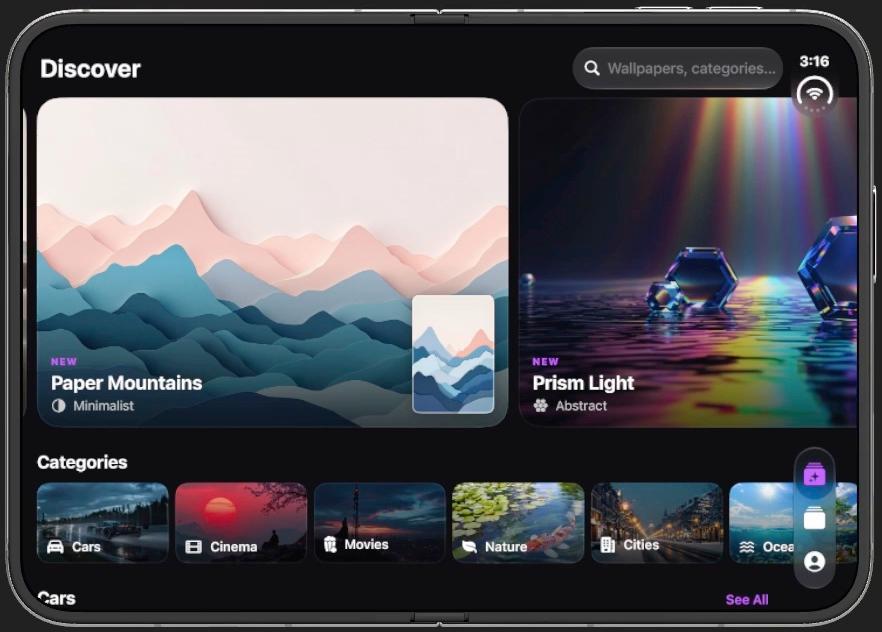
Search wallpapers and categories. Paper Mountains and Prism Light sit at the top. Each row is a shelf, and See All opens the rest. New pieces are marked on the card.
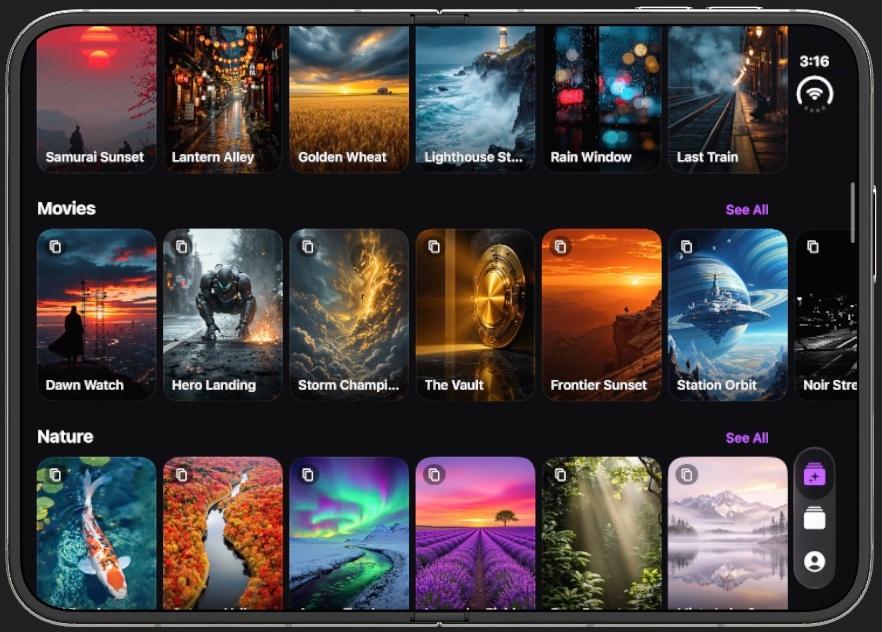
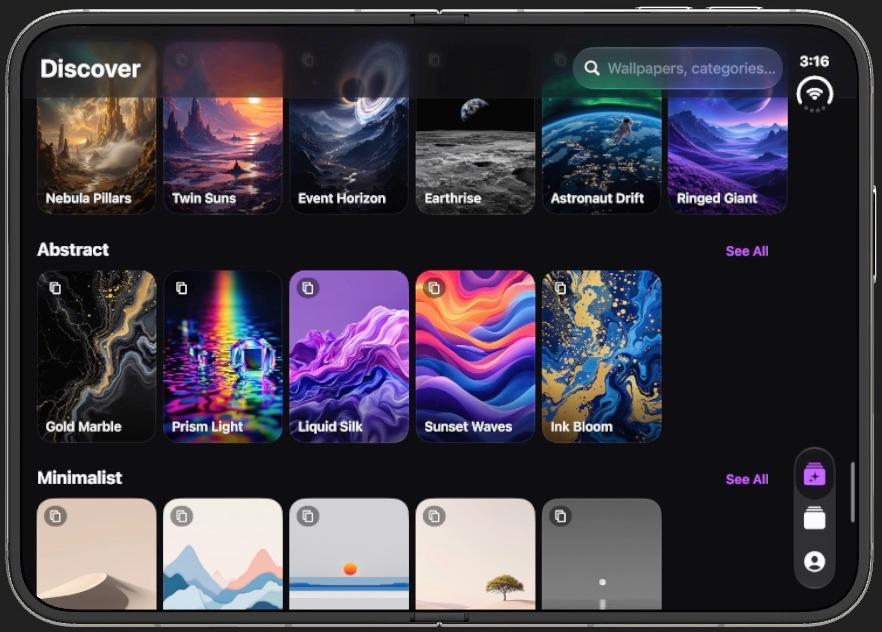
Koi Pond, Autumn Valley, Aurora Tundra, Lavender Fields, Fern Forest
Nebula Pillars, Twin Suns, Event Horizon, Earthrise, Ringed Giant
Sky Castle, Glowing Woods, Elven Towers, Crystal Cavern, Dragon Peaks
Prism Light, Gold Marble, Liquid Silk, Sunset Waves, Ink Bloom
02 — Collections
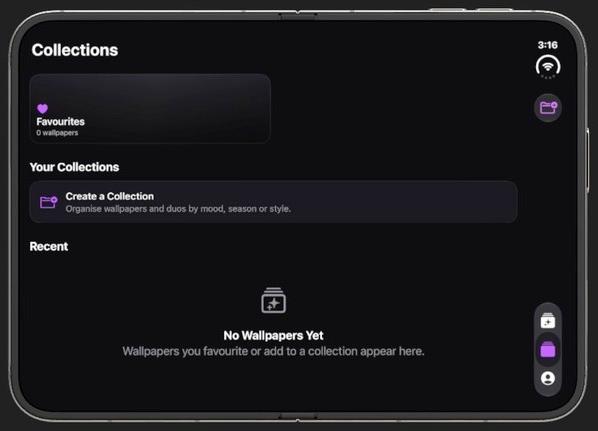
Favourites live at the top. A collection can follow a mood, a season, or a style. Recent is everything you have saved or hearted, on this iPhone. There is no account, and nothing syncs to another device.
03 — On your iPhone
DUOWALL adds the pictures to Photos. iOS sets the wallpaper. From Photos, choose Share, then Use as Wallpaper, once for the cover and once for the inner display.
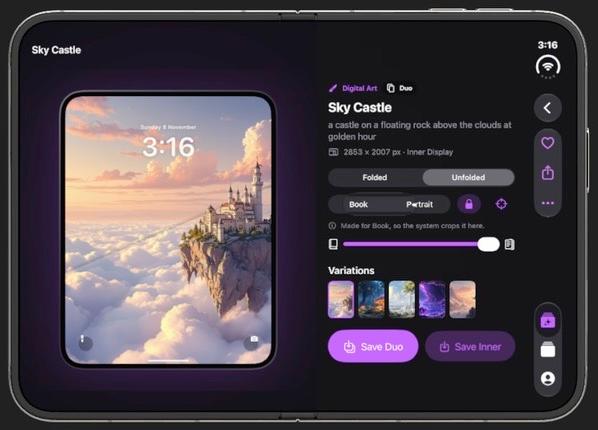
Pick from Discover, a category, or search. New wallpapers are marked.
Look at Folded and Unfolded. Book is the wide inner picture. Portrait is the cover crop.
Save Duo keeps the pair. Save Inner keeps the wide screen. Both go to Photos, and only if you allow it.
04 — Private by design
You stay a guest. Wallpapers stay in DUOWALL until you save them. The full account of what leaves the device is in the privacy policy.
Saving asks to add photos. DUOWALL does not read the rest of your library.
Favourites, collections, and generated wallpapers stay on this iPhone.
A description is sent so the image can be made. It is not used to build an ad profile.
The download appears when Apple approves DUOWALL. Questions go to support. The privacy policy and terms live on this site.